
Tools & Games
Classroom games, timers, flashcards and phonics, all in one app.
Coming soon to the App Store and Google Play
Classroom games, timers, flashcards and phonics, all in one app.
Coming soon to the App Store and Google Play
Tools & Games puts the everyday tools of a lively lesson one tap away. Pick a student at random, start a countdown, keep score between teams, run a bingo round or play Snakes & Ladders on the big screen, all from one app and with nothing to set up.
Everything is designed to be seen from the back of the room: big, bright visuals, clear text and friendly characters that children recognise from lesson to lesson. Open it, pick a tool, and teach.
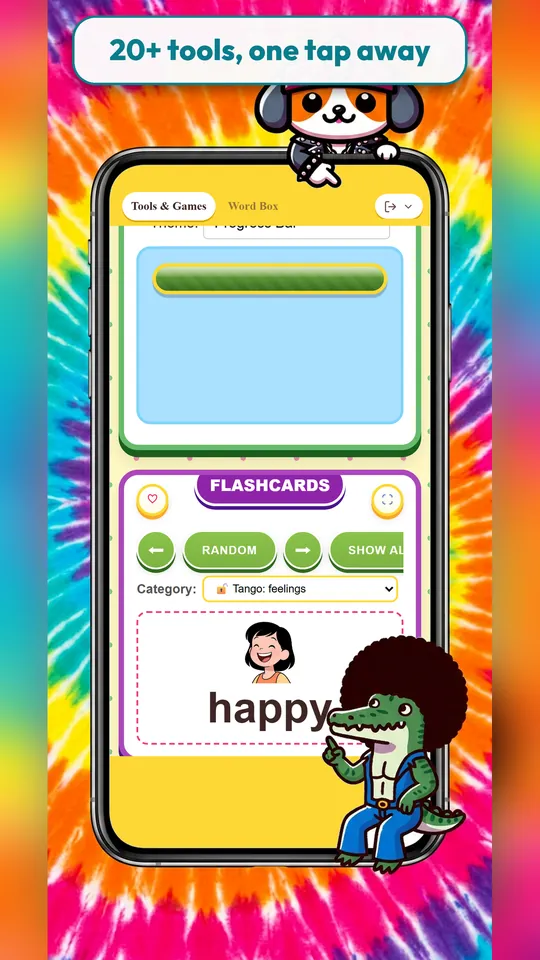
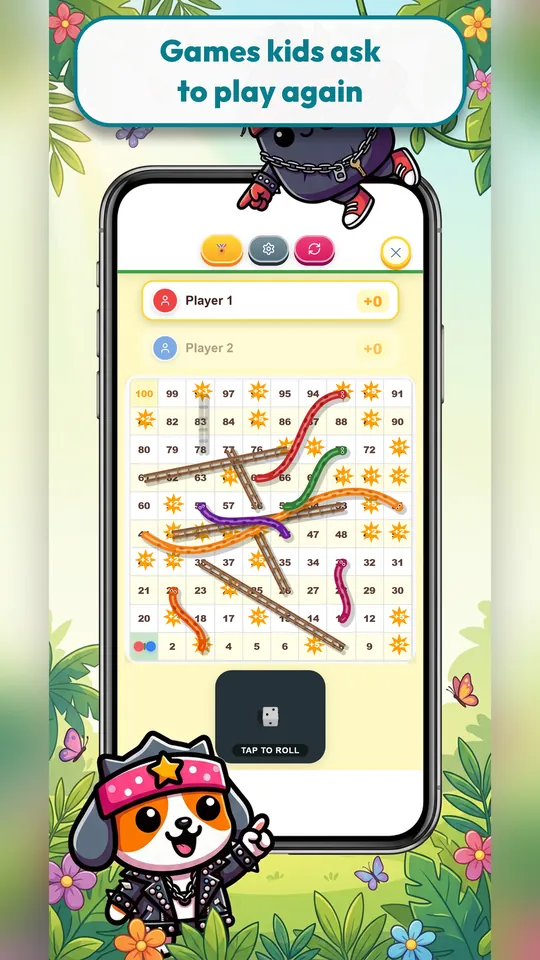
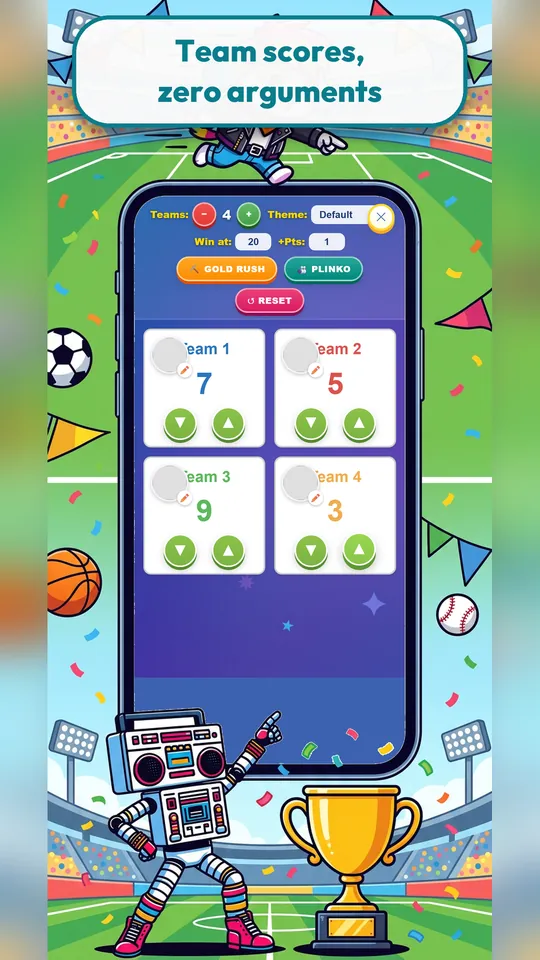
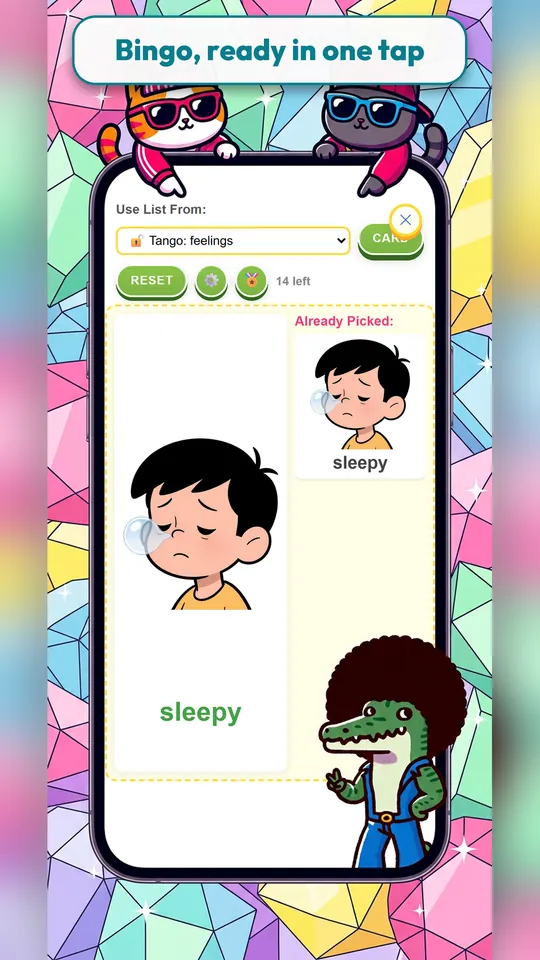
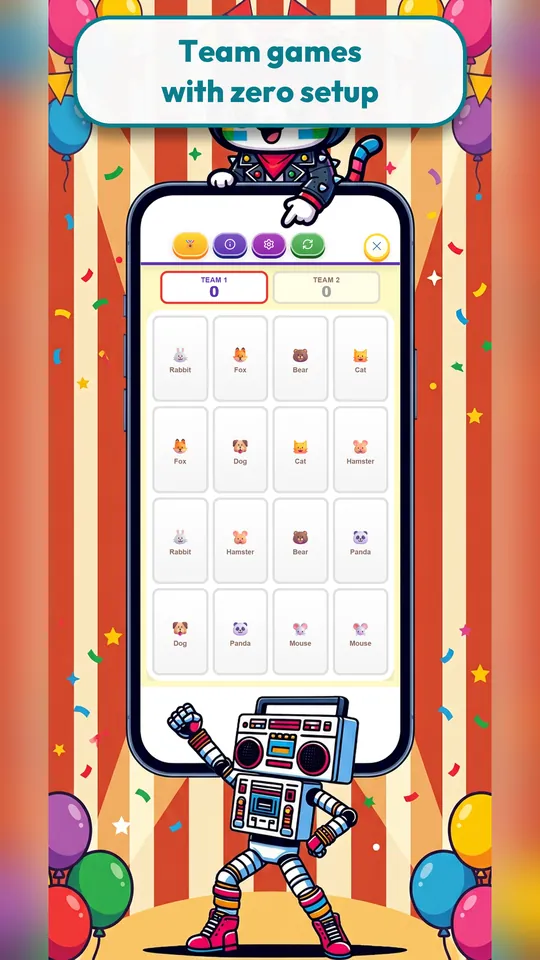
Scoreboard, Bingo, Dice Roller, Spinner, Coin Toss, Snakes & Ladders, Memory Match, Plinko, Jeopardy-style quizzes and more. Use them for warm-ups, end-of-unit review or a reward at the end of a good week.
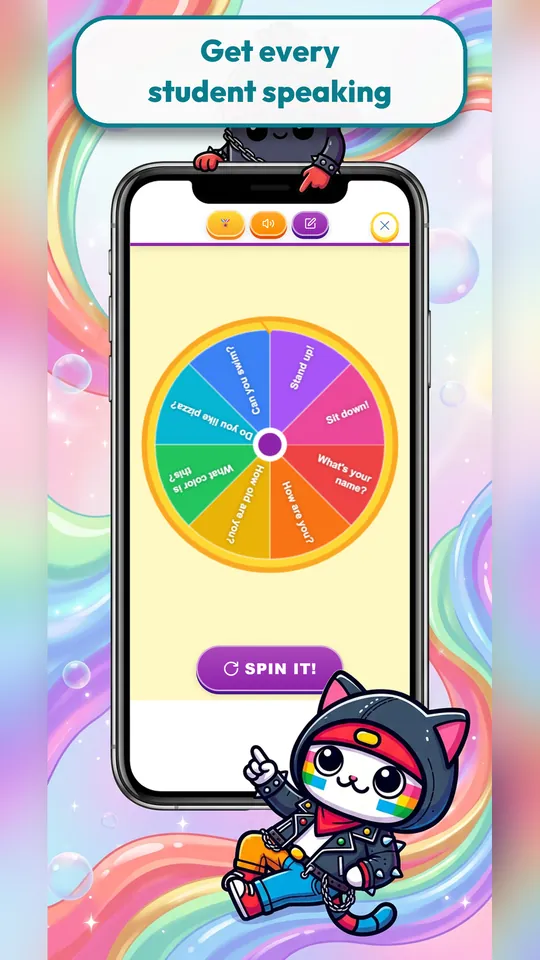
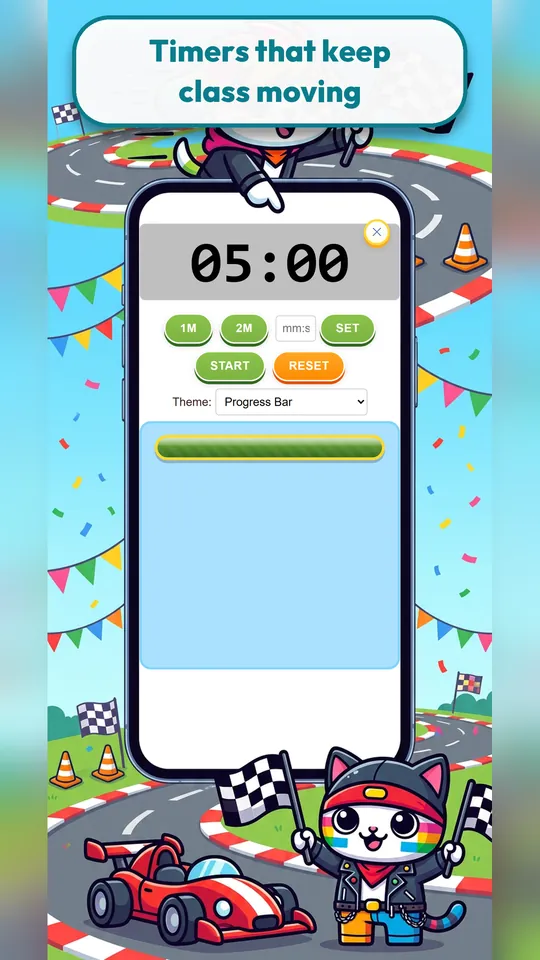
Random Name Picker, Classroom Timer, Noise Meter, Whiteboard, Date & Weather and a Sound Board: the tools a teacher reaches for every day, gathered in one place instead of scattered across websites and tabs.
Picture flashcards across dozens of everyday categories, such as feelings, family, food, animals, weather, school life and Japanese events, plus phonics practice and games that recycle the same words so they stick.
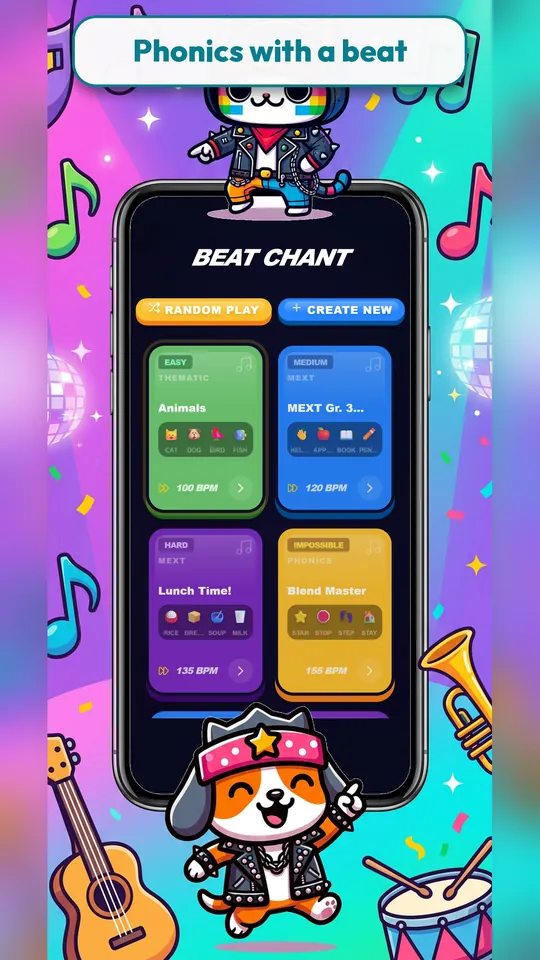
A rhythm game where students chant words in time with the beat as it speeds up. It is a high-energy way to drill pronunciation, and you can build your own word sets for the unit you are teaching.
Elementary and junior-high teachers, English (ESL/EFL) teachers and ALTs, tutors, and parents who want to make practice at home feel like a game.
No. Tools & Games is designed for one screen at the front of the room. The teacher runs it and the class plays together.
No. Tools & Games works without signing in.
Many tools are free to use. An optional subscription unlocks everything and removes ads. You can cancel at any time from your App Store or Google Play account.
iPhone, iPad and Android phones and tablets. Connect a tablet or phone to a projector or TV to share it with the class.
Something else? Email support@sparkskit.com.
An AI lesson planner that turns your grade, textbook unit and goal into a structured, minute-by-minute plan with activities, ready to teach or adapt.
Learn more →
Make custom, illustrated worksheets for any topic: matching sheets, bingo cards, listening activities, flashcards, colouring pages and more, ready to print.
Learn more →