
Build & Link
Plan a complete English lesson in minutes.
Coming soon to the App Store and Google Play

Plan a complete English lesson in minutes.
Coming soon to the App Store and Google Play
Build & Link turns lesson planning from an evening chore into a short task. Tell it the grade, the textbook unit and how long the lesson is, and it writes a complete plan: warm-up, presentation, practice, production and wrap-up, with timings and the vocabulary you are targeting.
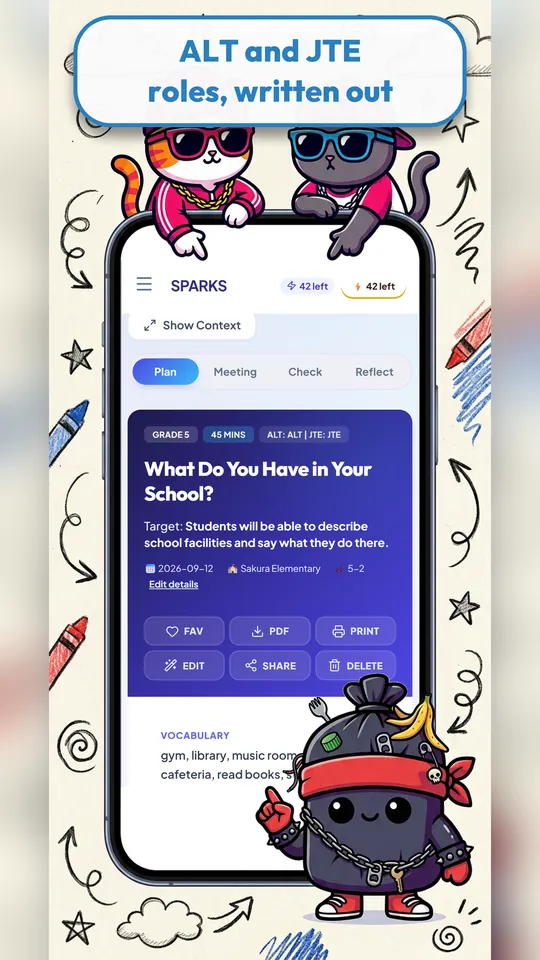
Plans are a starting point, not a script. Edit any step, swap in a different game, then save, print or export the plan as a PDF. Your lessons stay organised in one place, so next year you start from last year’s best version instead of a blank page.

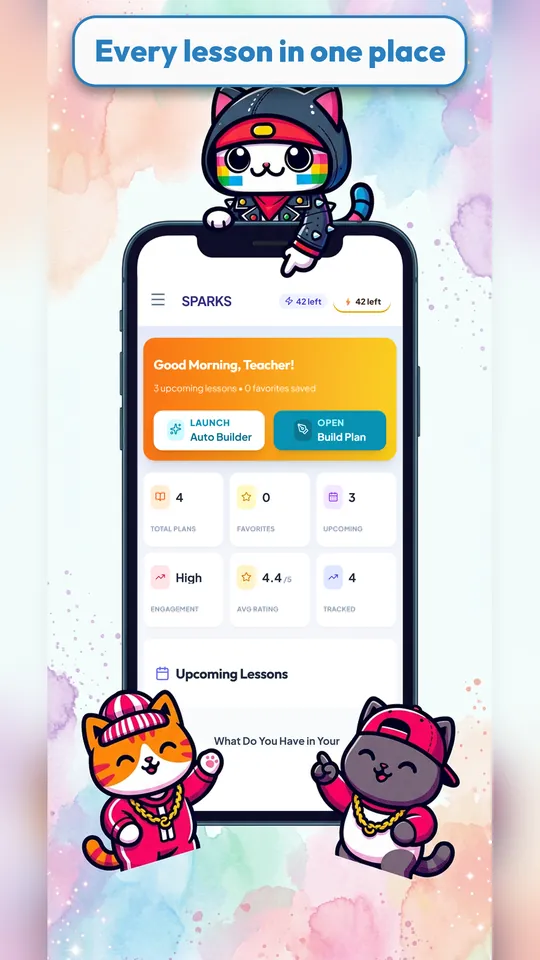
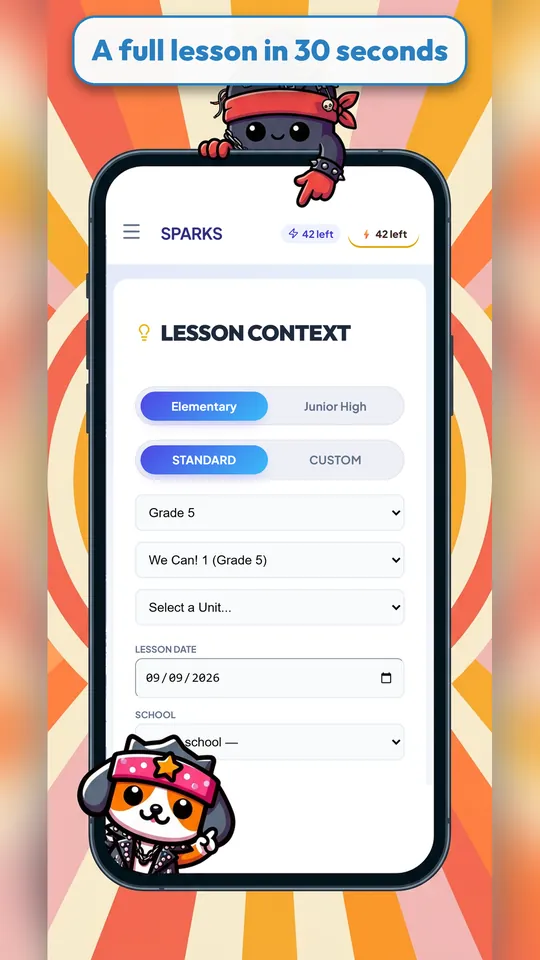
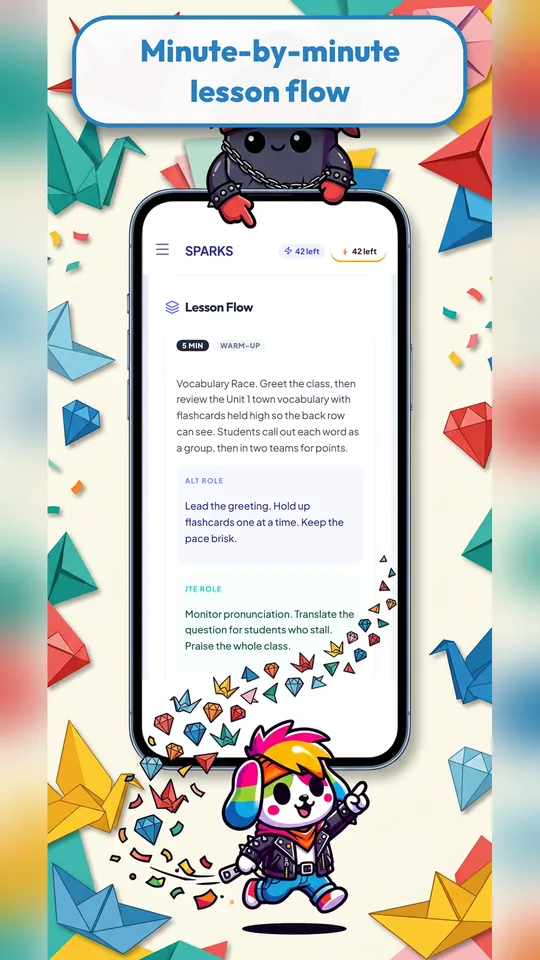
Choose elementary or junior high, pick the grade and textbook unit, and Build & Link drafts a full lesson that follows the flow of a real English class, timed to fit your period.
For classes taught by two teachers, each step can spell out what the ALT does and what the homeroom or Japanese teacher of English does, so nobody has to improvise in front of the class.
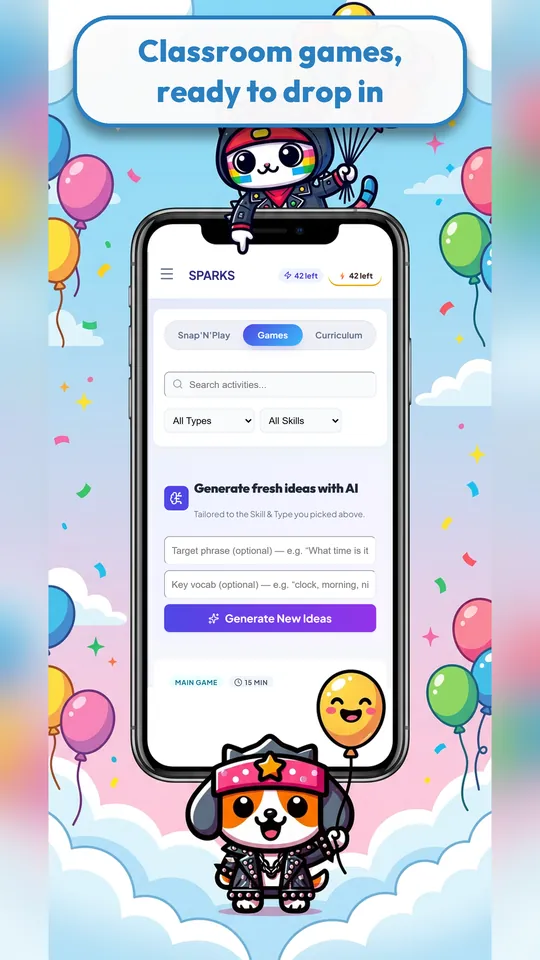
Browse games by type and skill, or ask for fresh ideas tailored to a target phrase or vocabulary set, then drop the game straight into your plan.
Link with colleagues by QR code to share plans, so a school’s English lessons stay consistent and nobody re-plans the same unit twice.
Elementary and junior-high English teachers, ALTs, homeroom teachers who teach English, and tutors who plan many short lessons each week.
Yes. You sign in with your email so your plans are saved and available on all your devices.
Yes. Build & Link includes a free trial. After that, a subscription unlocks full monthly planning, and you can cancel at any time.
Every step can be edited, reordered or replaced. The plan is yours to adapt to your class.
iPhone, iPad and Android phones and tablets.
Something else? Email support@sparkskit.com.

More than 20 ready-to-use games and teaching tools for the front of the room, built for a projector, classroom TV or tablet. Also great at home.
Learn more →
Make custom, illustrated worksheets for any topic: matching sheets, bingo cards, listening activities, flashcards, colouring pages and more, ready to print.
Learn more →