
Picture It
Describe the worksheet you want. Get a print-ready original in seconds.
Coming soon to the App Store and Google Play
Describe the worksheet you want. Get a print-ready original in seconds.
Coming soon to the App Store and Google Play
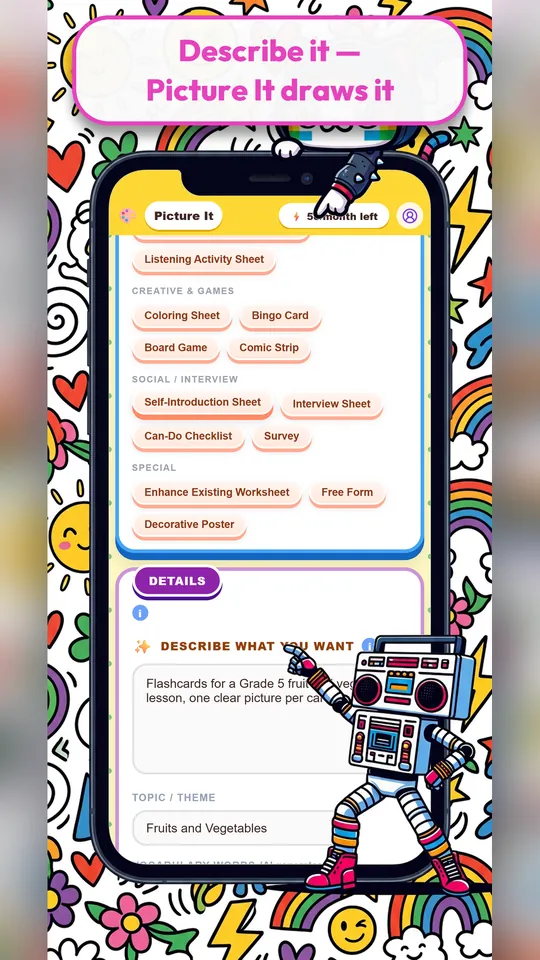
Picture It creates original, illustrated worksheets from a short description. Choose a worksheet type, enter your topic and vocabulary, pick an art style, and Picture It designs the page, with artwork drawn for your topic rather than recycled clip art.
Because every worksheet is generated fresh, you can match exactly what you are teaching this week: the twelve words from today’s unit, a seasonal theme, or the characters your students are excited about.
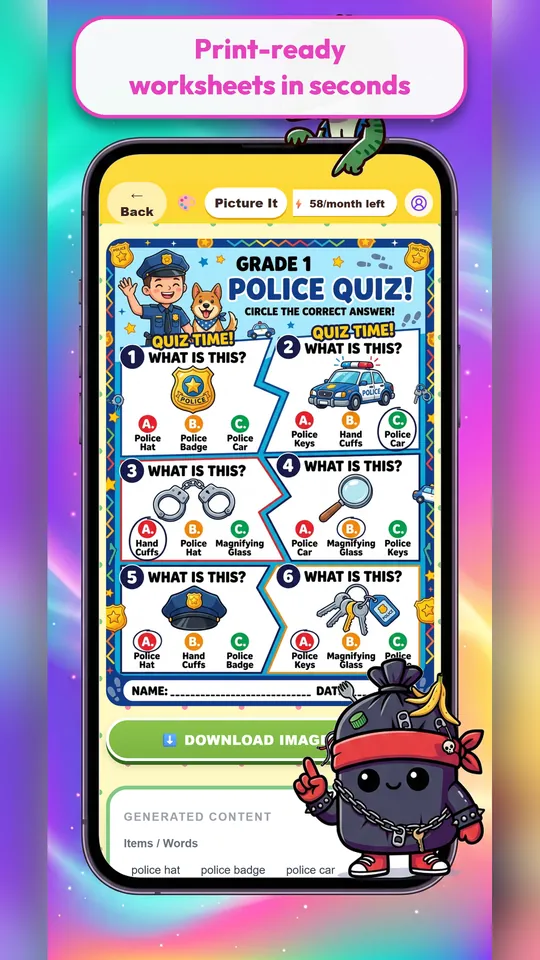
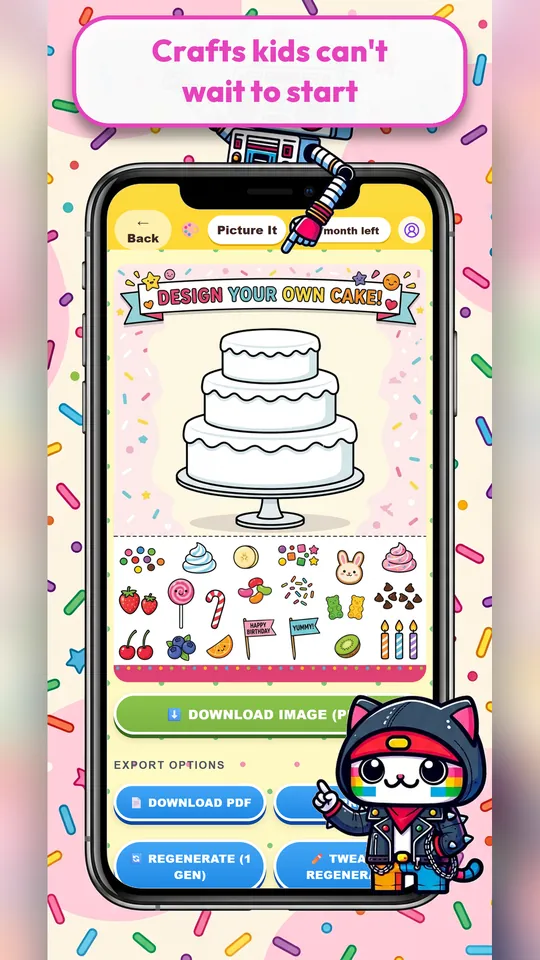
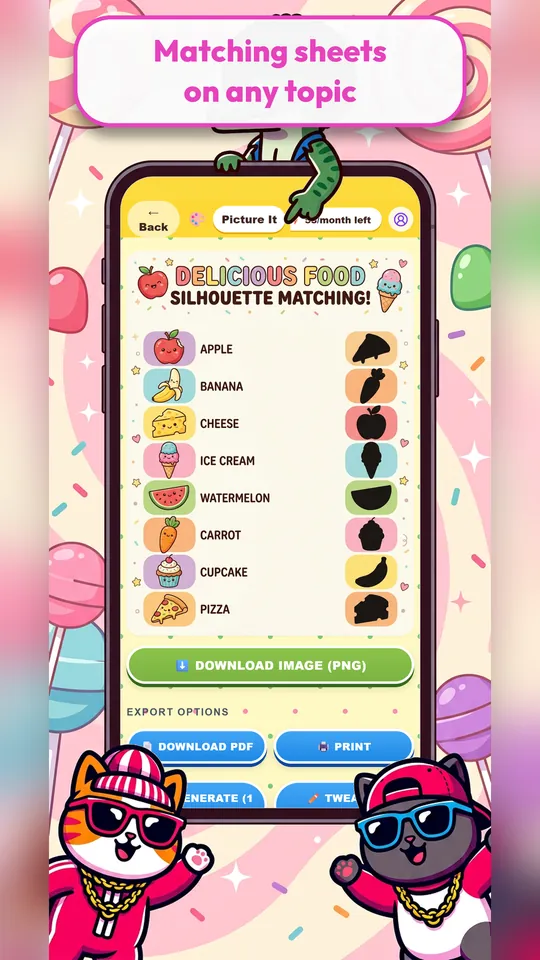
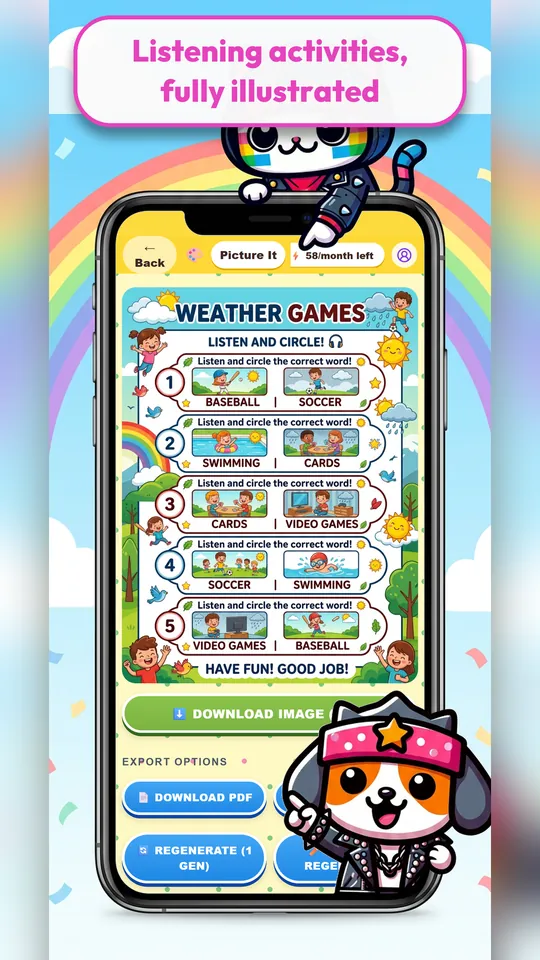
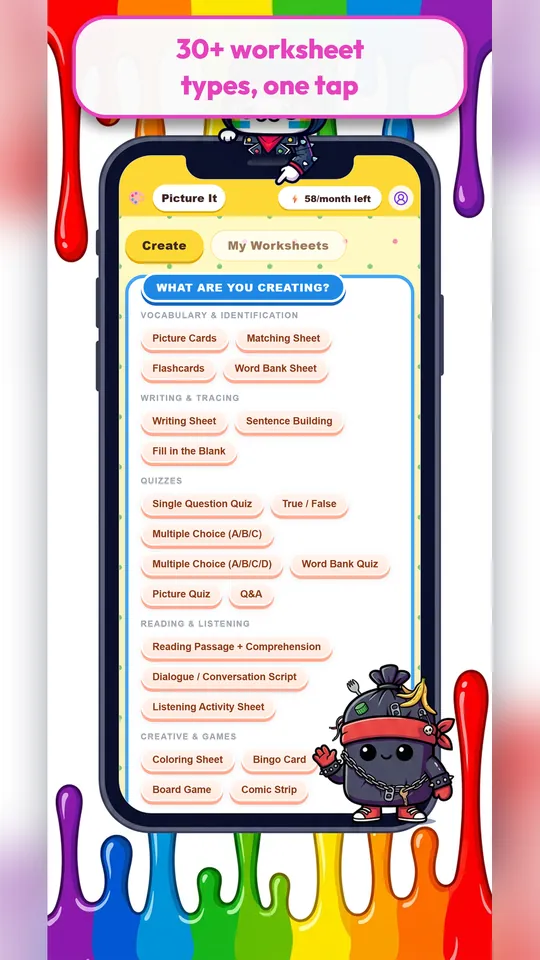
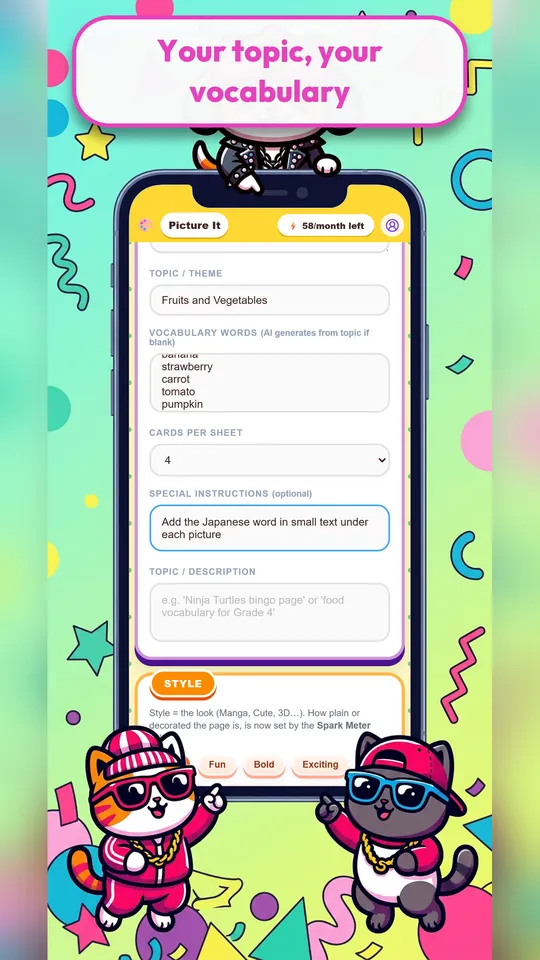
Picture cards, matching sheets, word-bank quizzes, fill-in-the-blank, sentence building, true/false, reading passages with comprehension questions, listening sheets, surveys, bingo cards, board games, comic strips, colouring pages and posters.
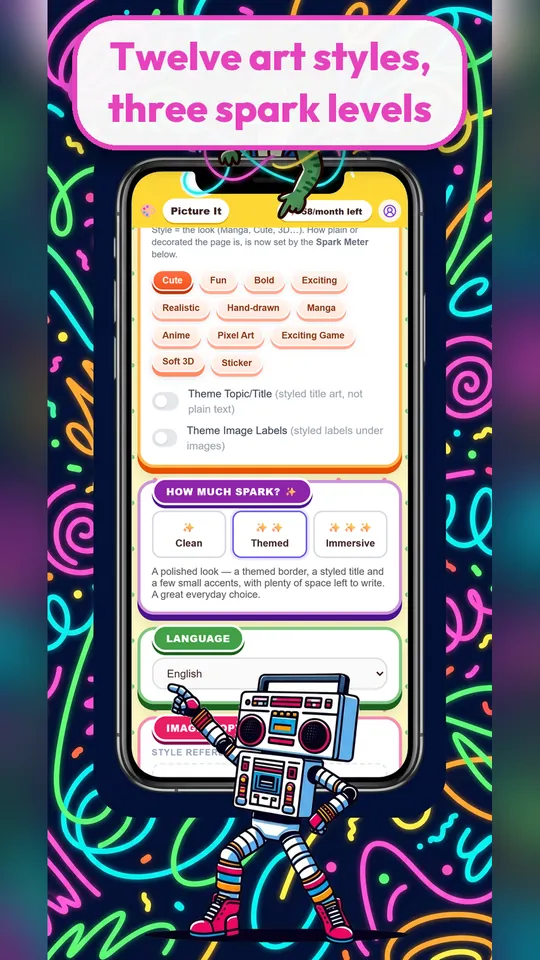
Set the topic, vocabulary, language and level, then choose from twelve art styles, from clean and simple to manga or pixel art. The Spark Meter controls how decorated the page is, from calm and minimal to fully illustrated.
Download a worksheet as an image or PDF and print it on an ordinary school or home printer. Keep the ones you like in My Worksheets to reuse next term.
Teachers use Picture It to fill gaps in the textbook; parents use it to make practice pages about whatever their child loves this month, from dinosaurs to trains.
English (ESL/EFL) teachers, elementary teachers, tutors, homeschooling families and parents who want custom practice pages.
Yes. You sign in with your email so your worksheets and monthly credits follow you across devices.
Yes. Picture It includes a free trial. A subscription adds monthly worksheet credits, and you can cancel at any time.
Yes. Worksheets download as an image or PDF, sized for standard printing.
iPhone, iPad and Android phones and tablets.
Something else? Email support@sparkskit.com.

More than 20 ready-to-use games and teaching tools for the front of the room, built for a projector, classroom TV or tablet. Also great at home.
Learn more →
An AI lesson planner that turns your grade, textbook unit and goal into a structured, minute-by-minute plan with activities, ready to teach or adapt.
Learn more →